This website is part of a life project I decided to build in 2026. Since 2023 (when I officially entered adulthood) I’ve felt like life was slowly pushing me into a direction where I no longer had control over my own actions. To be fair, I probably never truly had that control, but in my teenage innocence, I believed that once high school was over (in my case, combined with a technical degree in Software Engineering) I would finally be able to take the reins of my own destiny.
It’s almost funny to think that I spent two full years waiting for that to happen without taking any real action. That is, until one random day, when I stumbled upon the concept of digital gardens.
Digital gardens are spaces of continuous learning where ideas are planted, nurtured, and may, or may not, grow into something bigger. I’m not able to fully explain everything about digital gardens, mostly because I’m still learning myself. However, some of the materials that inspired me the most were the videos Creating a digital garden to end my doomscrolling and How to Become an Expert with Obsidian (FULL GUIDE). In fact, I highly recommend following Odysseas’ entire channel, I really enjoy the discussions he brings to his videos.
Another major inspiration I can’t fail to mention is Maggie Appleton’s website. If you’re interested in the digital garden concept and want to explore it further, take a look at her digital gardening repository. It was my primary source of inspiration when deciding how to structure this site, which technologies to use, and what kind of experience I wanted to create.
Technologies & Languages
Nuxt is the main framework behind this website. I chose it mostly because it’s the framework I’m most familiar with, but honestly, I also believe it’s one of the best options for this kind of project. Nuxt is highly scalable, meaning it doesn’t force you to use tools or patterns you don’t need while also not punishing you when you eventually do.
I used Nuxt Content to manage Markdown files, styled the entire application using Nuxt UI along with the built-in TailwindCSS bundle (theme and color management were probably the features I used the most), and handled SEO through Nuxt’s static generation using the --generate option available in Nuxt 4.
Hosting was relatively straightforward. I already had a Railway instance running for freelancing projects, so I simply created a new container connected directly to this repository. I configured a Dockerfile to run --generate instead of a standard build, and within seconds the site was live. After setting up the necessary DNS records with my domain provider — boom — somehow, you ended up here.
Writing
For writing, I follow the setup recommended by Odysseas in the video mentioned earlier: Obsidian, with a few folders dedicated to raw notes and another for finished articles. I usually only publish completed pieces here or anything longer than three or four paragraphs.
There’s no real secret to the process. I write a lot, revise several times, and publish only when I feel like I’ve created something I would genuinely enjoy reading myself.
When publishing, I take the article’s content and break it into blocks inside a Markdown file created on the server. For each paragraph, heading, quote, or list, I add (or create, if it doesn’t exist yet) a specific CSS class. To do that, I wrap each section inside an HTML tag.
Clearly, this isn’t the most elegant approach, but I like it. It forces me to revisit the text multiple times, refine it, and gives me full control over how each paragraph is visually consumed by the reader. I didn’t need MDX or any additional tooling, since Nuxt Content already allows enough flexibility when working with Markdown files. That was yet another reason for choosing this framework.
Typography, Style & Color Palette
As mentioned earlier, I drew a lot of inspiration from Maggie’s design work, which led me to use lighter colors to simulate the feeling of a notebook or personal journal. The main accent color — this pink — is still somewhat debatable, as I’m not entirely sure I’ll keep it long-term. The choice, however, came directly from the logo.
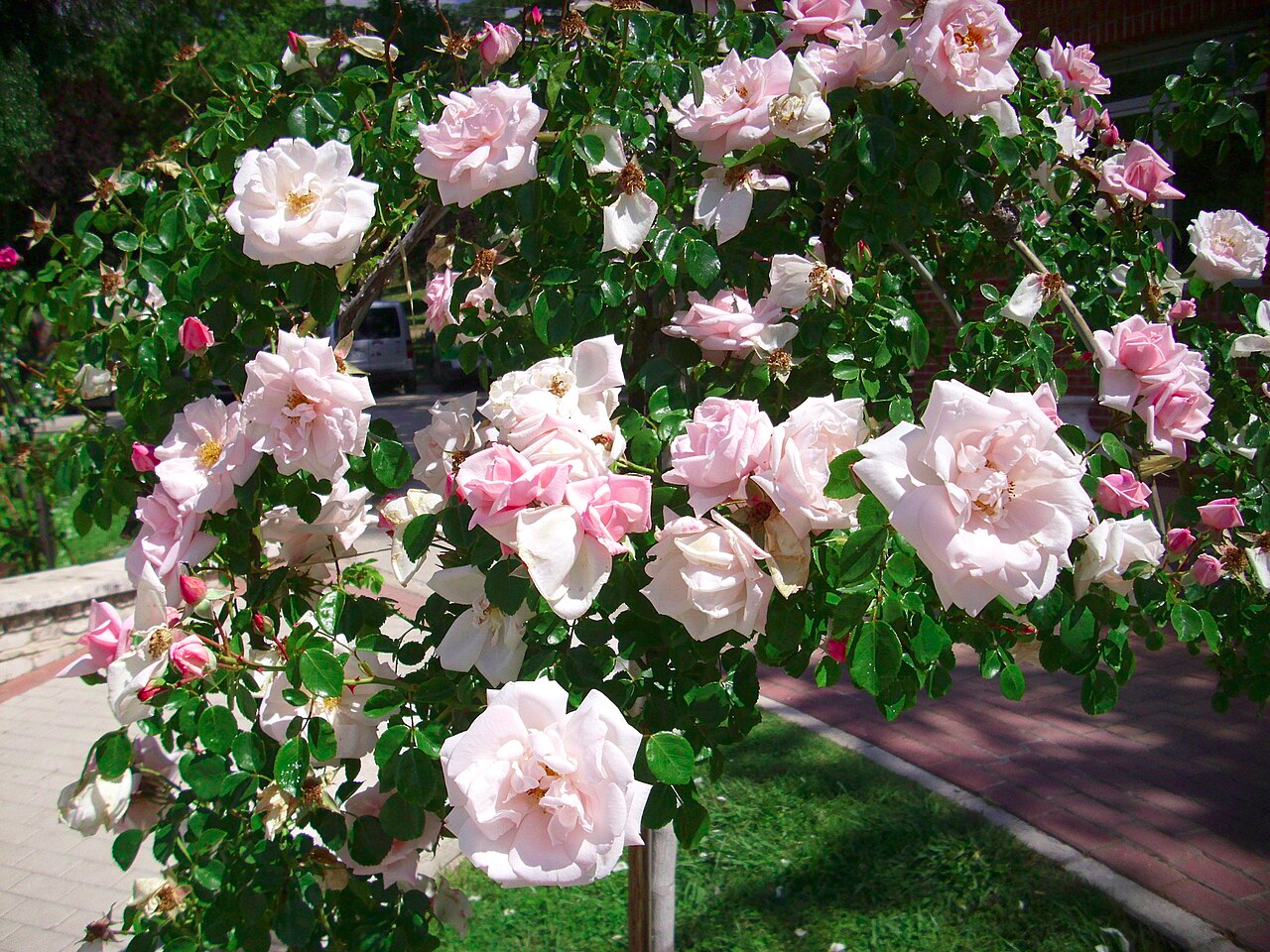
The logo itself is inspired by the New Dawn rose, a beautiful type of rose that reminds me of a garden located a street above my house. That garden didn’t necessarily have this exact rose, but rather another very similar flower whose name I never managed to discover.
For typography, I used Noto Sans throughout most of the application, occasionally mixing it with Noto Serif. I felt that the serif font added a subtle layer of character to titles and, when used sparingly, even to some paragraphs.
In Progress
There are several things I still want to add to this digital garden. Here are a few ideas I’ve been thinking about:
- A tag-based search mechanism
- Different types of writing formats. For example, essays about books or music versus deeply technical articles about topics like the Linux kernel
- Improving the homepage. It’s nice enough for now, but once there are more articles, I’d like to present them in a richer way, perhaps with background imagery, pagination, and display limits
- Translations into other languages. At the moment, the entire garden is in English, but the idea is to eventually support Brazilian Portuguese as well